Adding and Editing the Employer Field in Member Profiles
Adding the "Employer" field to a personal profile is an additional feature that can be enabled by the Dacreed Administrator upon request. It has been designed for organisations that send training to a network of people from a range of different companies.
For example, an insurer sending training to advisers from multiple companies. The purpose of this feature is to enhance reporting so that completion data can be grouped according to the business that employs or engages the person completing the training.
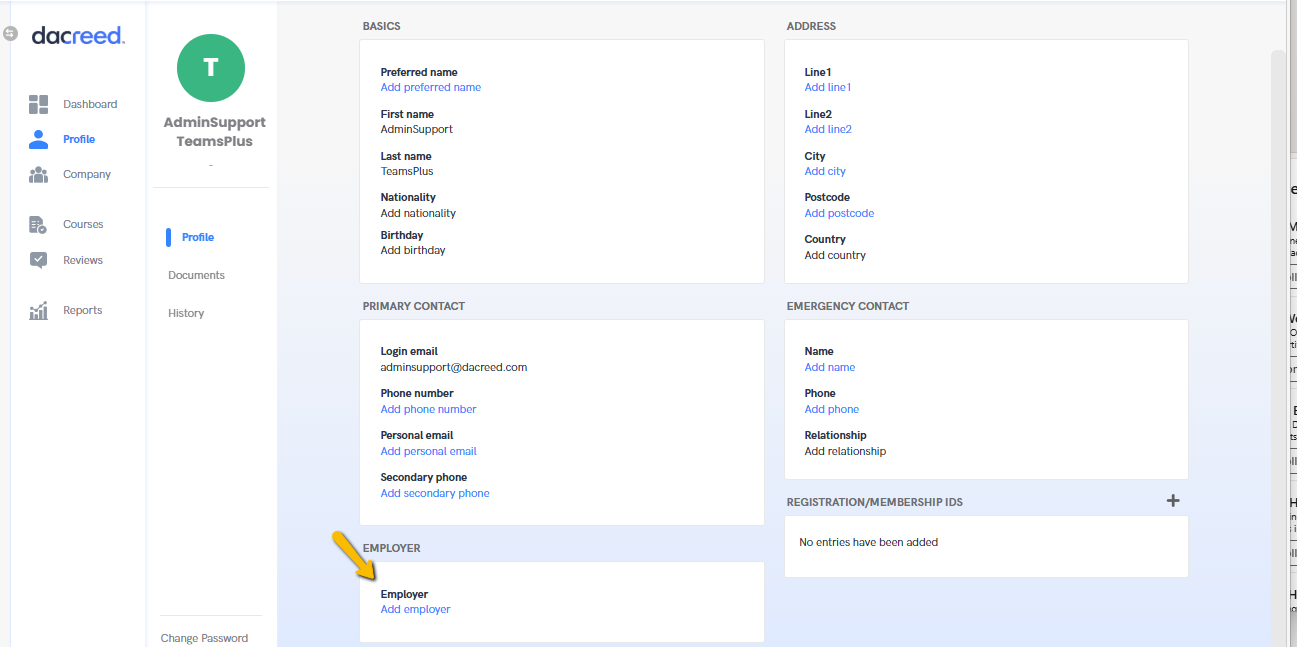
To Add Data to This Field If already onboarded: Once an individual has completed onboarding, they can review and edit their Employer on their profile page.
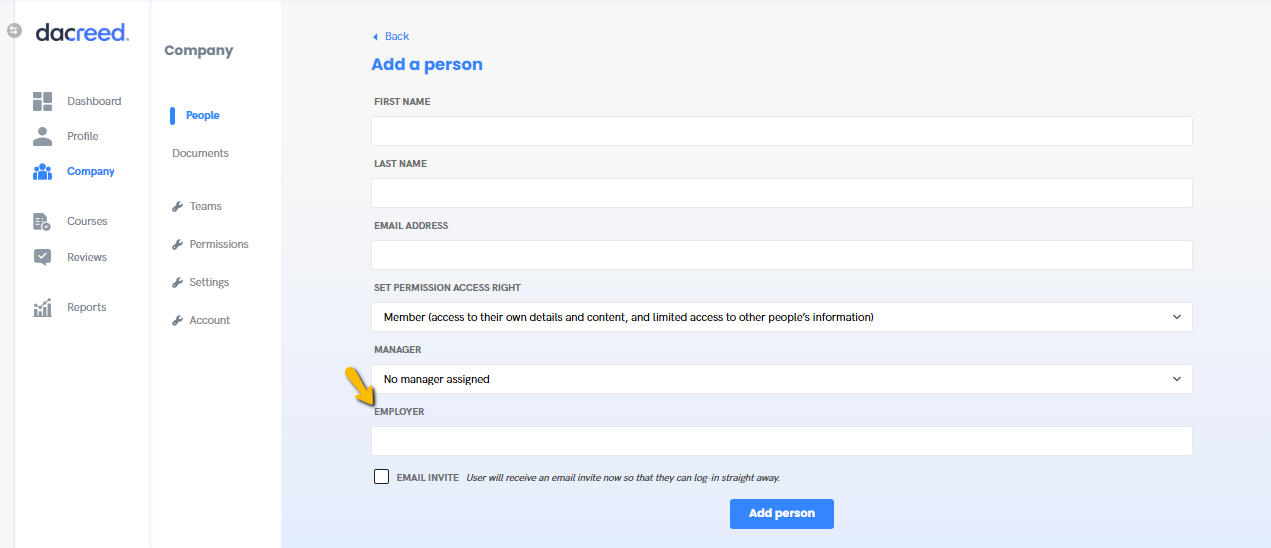
When inviting a person: You can invite new members individually and add their Employer directly in the "Add a Person" form.
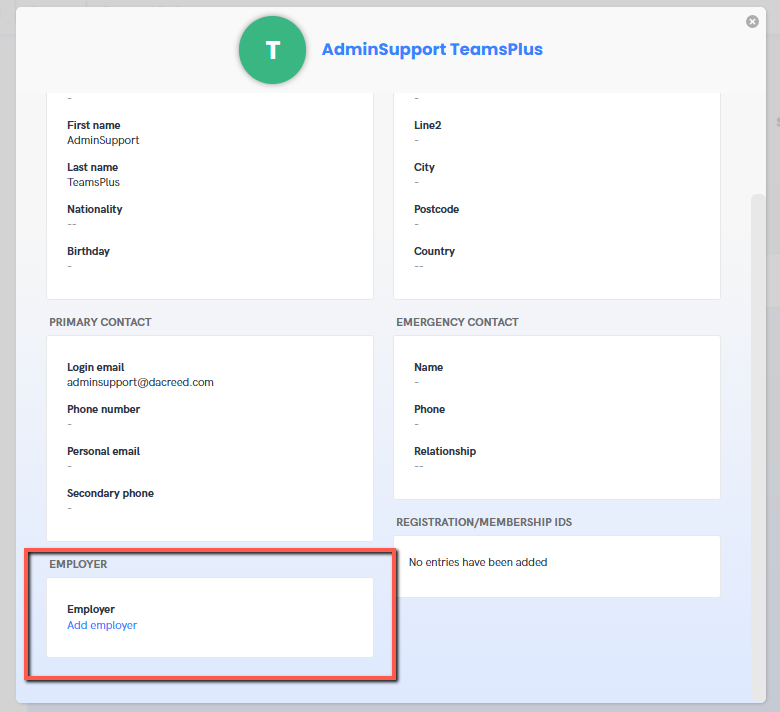
Super admins and HR admins can edit a member’s Employer by going to Company → People and clicking on the member’s profile.
Bulk Uploads We also offer a bulk upload function that allows the Employer field to be populated from a CSV or Excel file when sending invitations to multiple people for the first time. To create a bulk upload file, please download and complete our Bulk User Upload Template, then send it to [email protected]